
One Interface. Every Document.
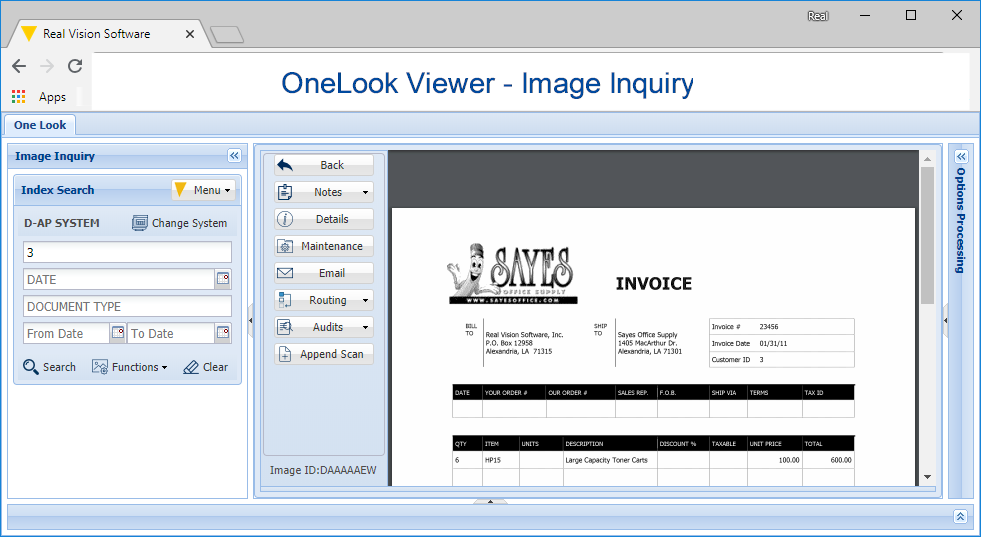
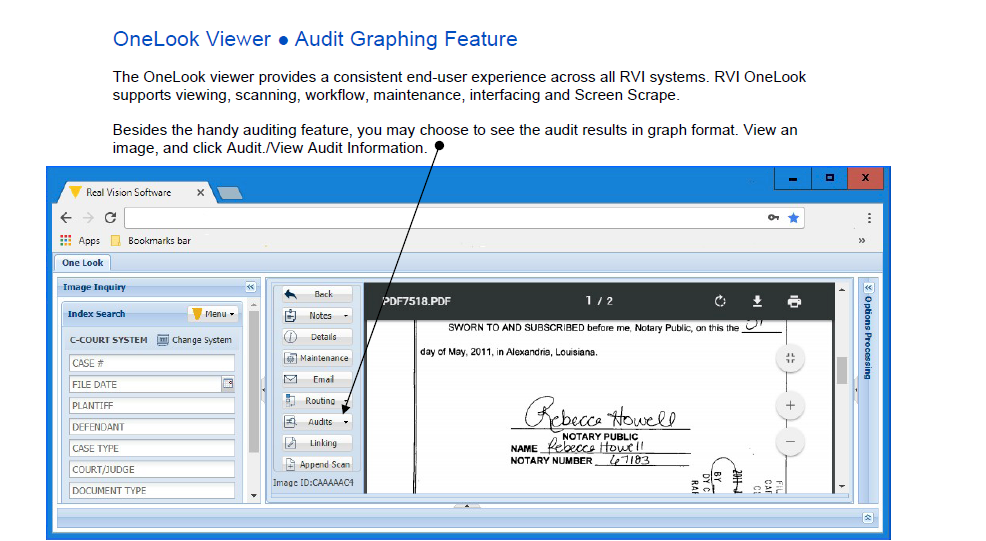
RVI's "One Look" philosophy means your team works from a single, familiar interface — regardless of which platform stores the document or which application created it. No switching tools, no retraining, no confusion.
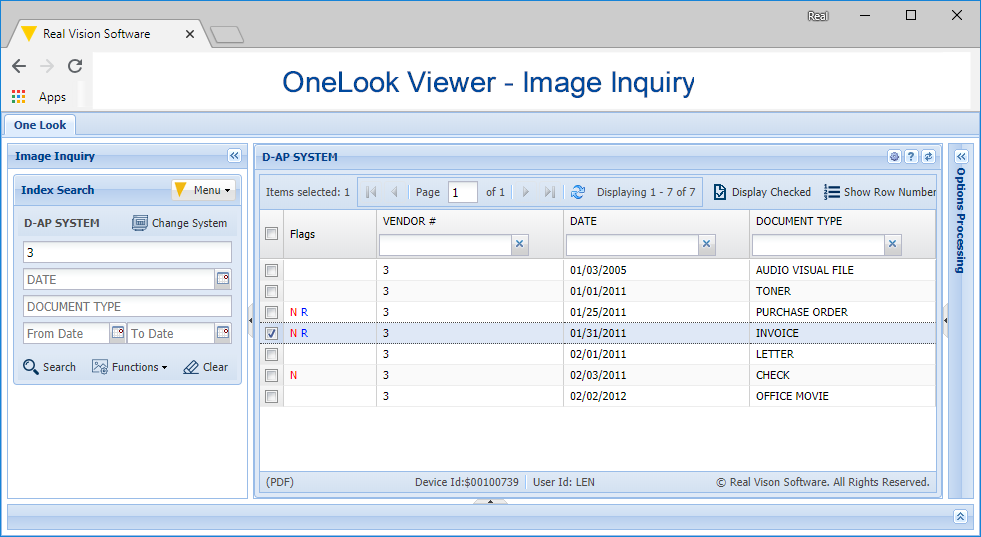
- Unified search across all document types and storage locations
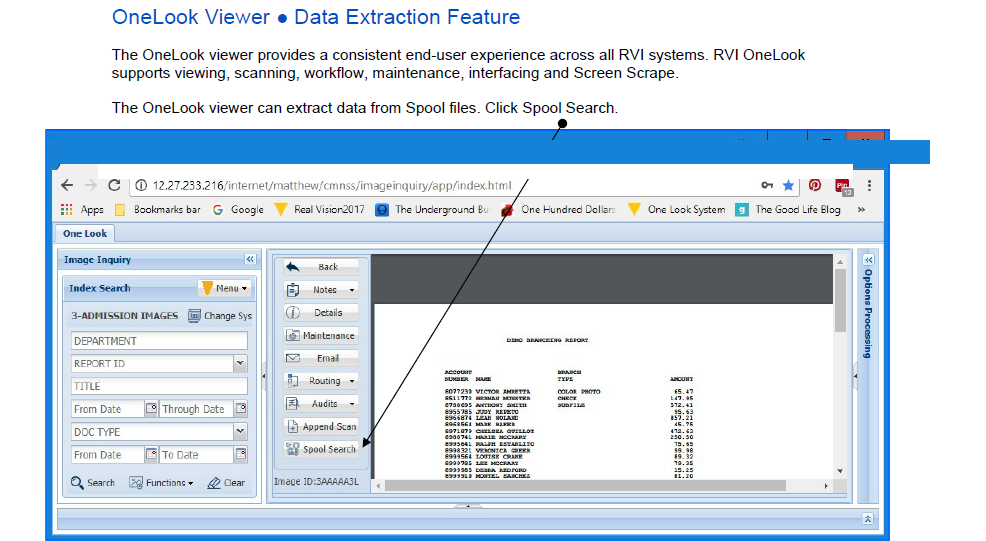
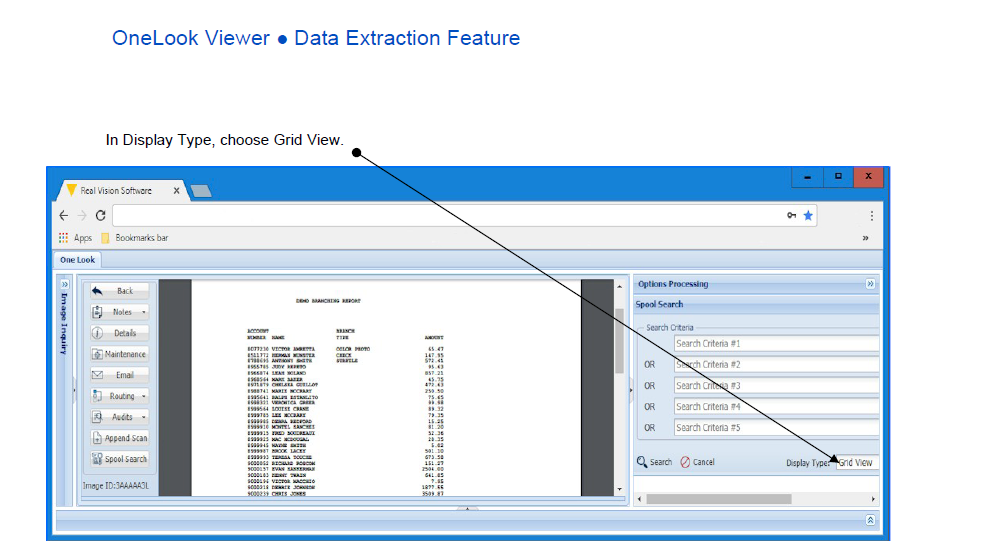
- Integrated viewer — view, annotate, redact, and print from one window
- Quick keys & hotkeys for fast retrieval without lifting your hands
- Consistent across platforms — IBM i, Windows desktop, and web browser
What One Look Gives You
Everything users need — built into a single, consistent window.
Smart Search
Search by index keys, full-text content, or date ranges. Results appear instantly with document previews.
Annotation Tools
Highlight, redact, stamp, sticky-note, and freehand draw — directly on the document without altering the original.
Cabinet Navigation
Tree-based cabinet and drawer structure mirrors your paper filing system — easy to navigate without training.
Quick Keys
Retrieve documents with a single keystroke from within your existing IBM i or Windows application screens.
Batch Processing
Work with multiple documents at once — batch print, export, email, or apply workflow actions in one step.
Mobile & Web
RVI WebClient brings the full One Look experience to any browser — desktop, tablet, or smartphone.
See One Look in Action
We'll show you exactly how your team would find and work with documents — live, in your environment.
Schedule a Free Demo